Create your account
Create an account with email or Google. Worthy works on your phone and in your browser.
Worthy turns purchase receipts into an inventory of your belongings, with estimated values that update over time. Add anything else with a photo or by hand.
Use Gmail, forward receipts, or add items yourself.
Example inventory · Values shown are estimates.
Check your total, find an item, or look up what you paid. Here’s how it comes together in Worthy.
Design previews with sample data. The current app may look different.
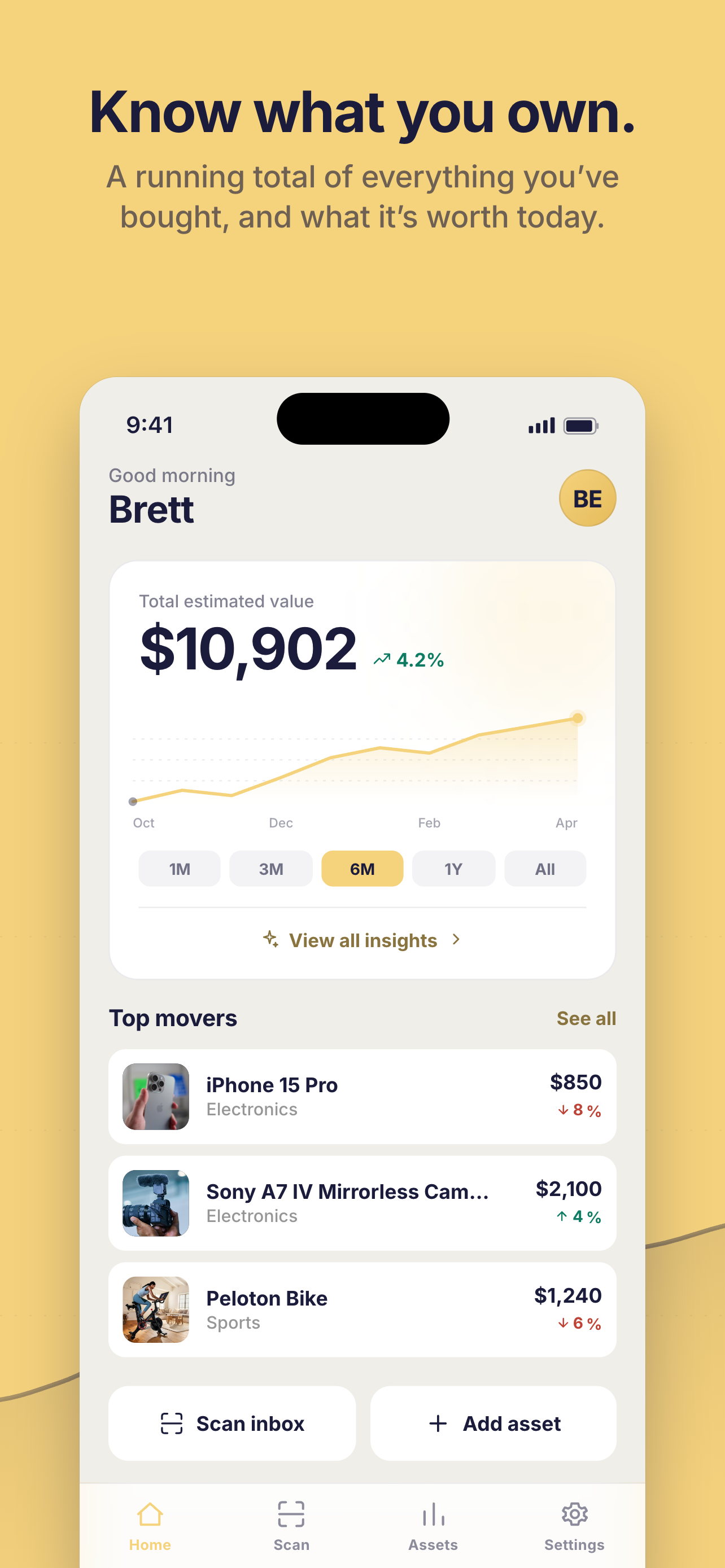
See your inventory’s value and the items whose values have changed.
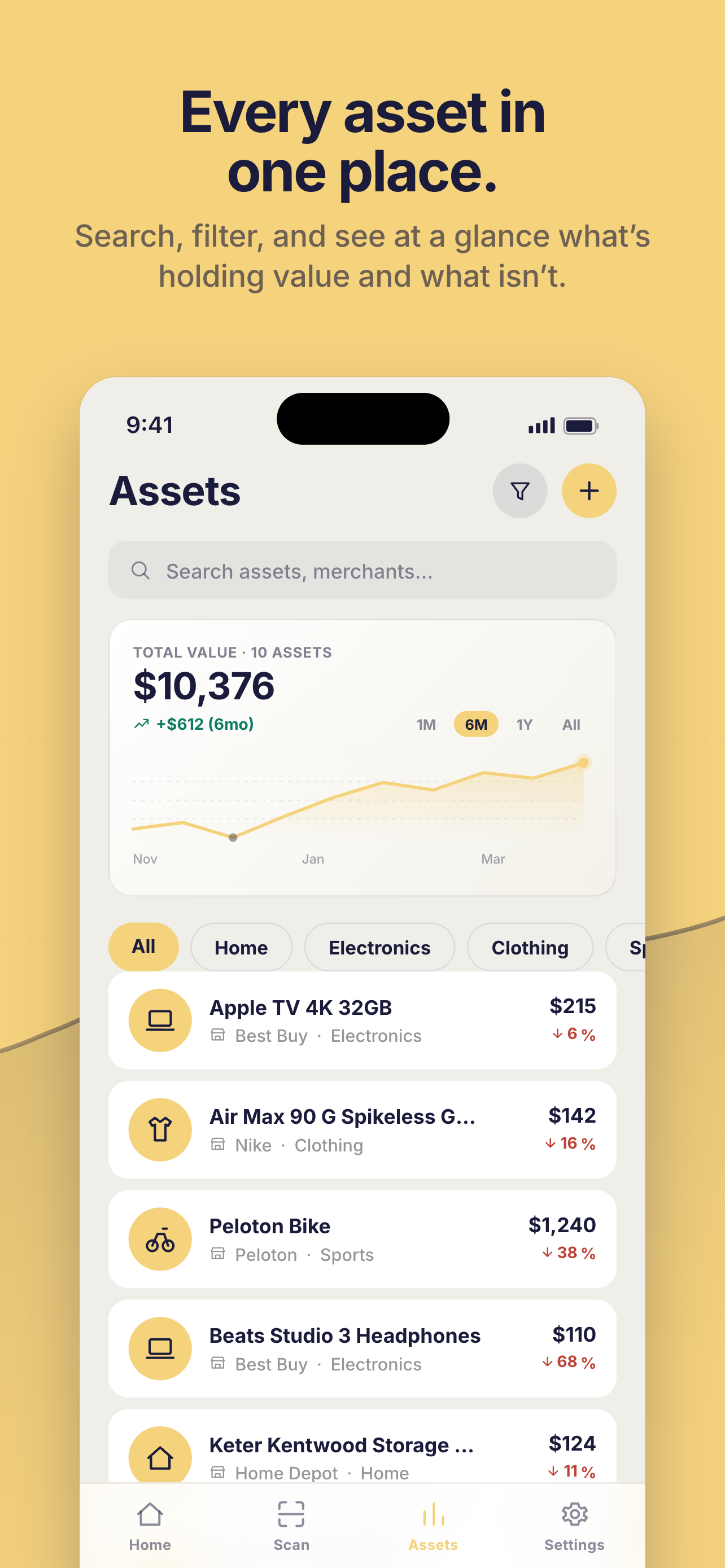
Search by item or merchant, and browse your belongings by category.
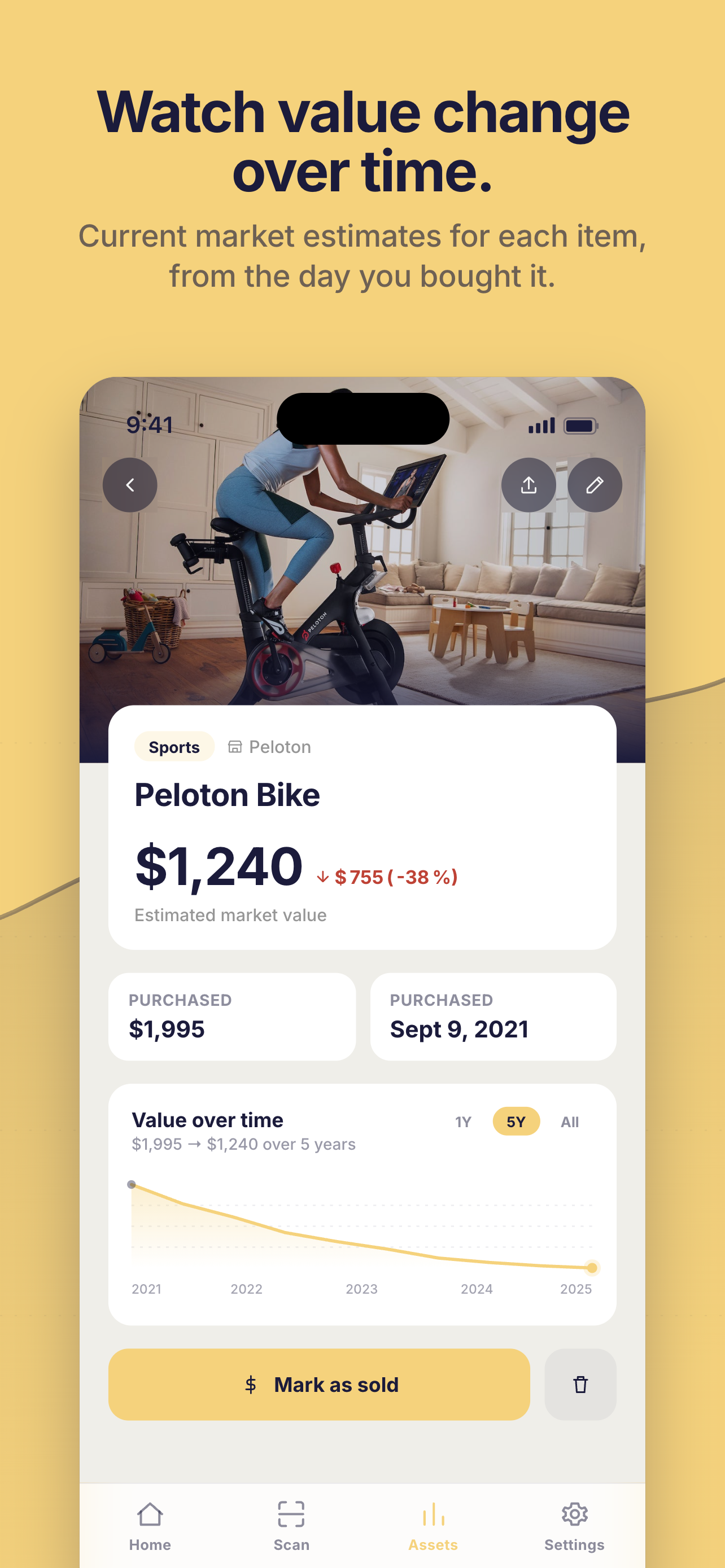
Look up the original price and date alongside the item’s current value.
Worthy picks out the item, price, merchant, and purchase date, so you don’t have to enter every purchase yourself.
Illustrative receipt and inventory entry.
Create an account with email or Google. Worthy works on your phone and in your browser.
Connect Gmail, forward receipts to your personal Worthy address, or add items with a photo. Connecting your inbox is optional.
See your items by category, check their purchase details, and follow their estimated values in one place.
Your inventory is private to your account. Your data is never sold or used for advertising.
Read our privacy policyGoogle’s read-only permission allows Worthy to read email; it is not limited to receipts. Worthy uses that access to find purchase confirmations and extract item details. It cannot send or delete email, and we don’t store the full contents of your mailbox.
No. Forward purchase confirmations to the personal address in your Settings, photograph an item or receipt, or add something manually.
Yes. You can disconnect Google or delete your account from Settings.
Worthy applies category-specific depreciation over time. When a market price is available, it caps the estimate. Values are estimates, and the price you sell an item for may be different.
Add your first item, or let your receipts get you started.